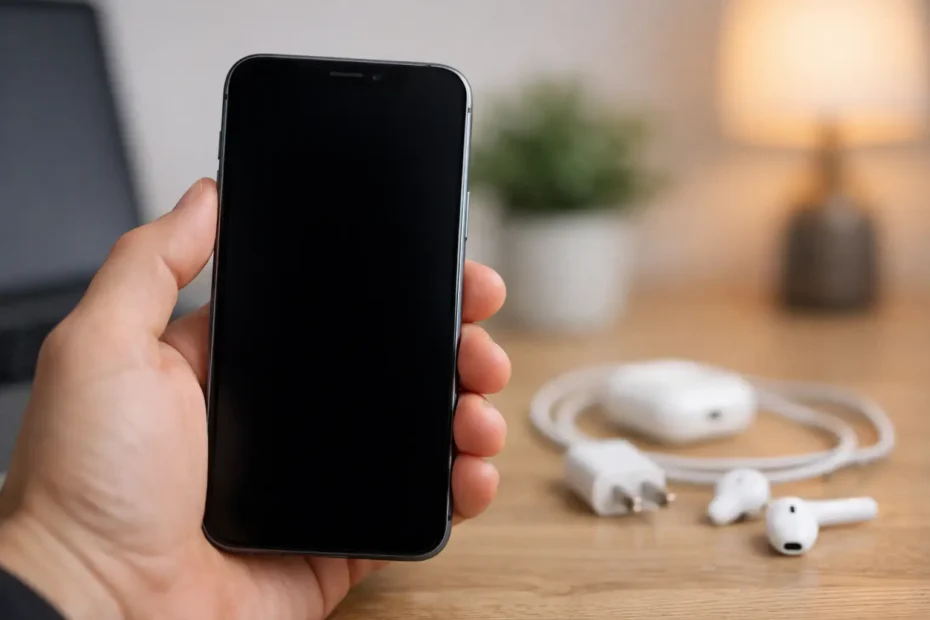
You press the side button, hear sounds, maybe even feel vibration, but the display stays dead. If your iPhone screen black but phone is on, the problem is usually narrower than people think. The phone may still be booting normally, charging, and receiving notifications. What failed is often the display system, the backlight, the touch layer, or the board circuits that control them.
That distinction matters because it changes what you should do next. A black screen does not always mean a dead iPhone, and it does not always mean you need a full replacement. In many cases, the right diagnosis can separate a simple software freeze from a damaged screen assembly or a deeper board-level issue.
Why an iPhone screen black but phone is on happens
The first category is software. iOS can freeze during an update, crash during startup, or get stuck after an app or storage issue. When that happens, the phone may appear alive but never properly wakes the display.
The second category is display hardware. A dropped phone can damage the OLED or LCD panel internally even if the glass is not badly shattered. On some phones, the backlight or display connector can fail, leaving you with a black screen while the phone still powers on and makes sounds.
The third category is board-level failure. This is where many general repair shops stop. A power management problem, display line issue, liquid damage, or damaged connector on the logic board can interrupt the screen signal even though the phone itself is still running. This is also why two iPhones with the exact same symptom can need completely different repairs.
Start with the safest checks first
Before assuming the worst, try a force restart. This is the right first move because it can clear a temporary crash without erasing data.
For iPhone 8 and newer, press and quickly release volume up, press and quickly release volume down, then press and hold the side button until the Apple logo appears. For iPhone 7 and 7 Plus, hold volume down and the side button together. For iPhone 6s and older, hold the home button and power button together.
If the Apple logo appears and the phone boots normally, the issue was likely software-related. Still, pay attention over the next day or two. If the black screen returns, there may be an unstable app, storage problem, failed update, or hardware issue that only shows up intermittently.
Next, plug the phone into a known good charger and let it sit for at least 20 to 30 minutes. A fully drained battery can sometimes behave in misleading ways, especially if the battery is weak or the charging port has debris. If the phone gets warm, vibrates, or makes connection sounds but the screen remains black, that points more strongly toward display failure than a charging issue.
You can also call the phone from another device. If it rings, receives messages, or shows up in a computer when connected, that is useful evidence. It tells you the phone is at least partially alive even if the screen is not.
When the problem is probably the screen
A failed display often leaves clues. Maybe the phone was dropped recently. Maybe the glass looks fine, but the image vanished after impact. Maybe you can faintly see something under bright light, or the touch still responds in spots even though the display looks black.
On OLED iPhones, internal display damage can happen without dramatic outer damage. The panel can simply go dark. On LCD models, impact can damage the screen or backlight circuits while the phone continues functioning in the background.
This is why screen replacement is a common fix, but not every black screen needs one. A good technician will confirm whether the issue is the display itself, the connector, or the board before replacing parts. That matters because guessing gets expensive fast.
When an iPhone screen black but phone is on points deeper
If the phone has a history of liquid exposure, repeated drops, previous poor-quality repairs, or charging issues, the black screen may be a symptom of something larger. Water can corrode display connectors and surrounding components. A hard drop can crack solder joints or damage tiny board components that affect display output. Aftermarket repairs done carelessly can tear flex cables or damage connector pads.
This is where proper diagnostics matter more than internet tips. Replacing the screen on a phone with board damage may do nothing. In some cases, the screen lights up briefly and fails again because the real issue is electrical instability on the board.
For people who have important data on the device, this is also the point where caution matters. Repeated charging, random button combinations, and low-quality repair attempts can make recovery harder if the issue is tied to liquid damage or shorted components.
What not to do
Do not keep forcing the phone to restart over and over for hours. If a quick force restart does not change anything, endless repetition rarely solves a hardware problem.
Do not assume a cheap screen from an online marketplace will fix it. If the fault is on the board, you can spend money and still have the same black display. Even worse, low-quality parts can introduce new problems with brightness, touch response, battery drain, or Face ID related flex handling.
Do not open the phone unless you know exactly what you are doing. Modern iPhones are easy to damage during opening, especially around the display cables, battery, and front sensor assembly.
And if there was liquid exposure, do not try the rice trick. It does not remove corrosion, and waiting too long can make a repair that was manageable turn into a much bigger job.
How a real diagnosis should work
A proper diagnosis starts by confirming whether the phone is actually booting. Then the technician checks whether the display is receiving image data, whether backlight or OLED function is present, and whether the display assembly itself is healthy.
If a known-good screen does not resolve the issue, attention shifts to the board. That may involve checking connector integrity, line damage, power rails, and signs of corrosion or impact-related failure. This is the difference between part swapping and skilled repair.
For customers, the practical benefit is simple. You get a clearer answer before spending money. That can mean a straightforward screen replacement, a board-level repair that saves the phone, or an honest answer that the device is not economically worth fixing.
When to seek help right away
If the phone contains business files, family photos, app-based authentication, or data not fully backed up, do not wait too long. A phone that is still partially alive today may deteriorate if the root cause is corrosion or unstable power delivery.
You should also get professional help sooner if the issue happened after a drop, after liquid exposure, or after another shop already replaced the screen and the problem came back. Those situations often involve more than a simple display failure.
For people in Central Florida, this is the kind of issue where direct access to an experienced technician matters. Shops that only replace modules may tell you the phone is done when the real fault is repairable at board level. That is exactly the kind of gap a specialist shop like YourMac.Repair is built to handle, even when the problem looks simple on the surface but turns out to be more technical.
Can you still get your data back?
Sometimes yes, even if the screen is completely black. If the phone is booting and trusted connections are already in place, there may be options. In other cases, the path to data recovery starts with restoring display function long enough to unlock the device and complete a backup.
This is one more reason not to guess. If the phone matters because of what is on it, the repair strategy should focus on preserving access and avoiding unnecessary risk.
The bottom line on a black iPhone screen
When an iPhone appears on but the display stays black, the symptom sits at the intersection of software, screen hardware, and logic board repair. It might be a quick reset. It might need a screen. It might need deeper board work. The smart move is not the most aggressive one – it is the one that tells you what actually failed before more time, money, or data is lost.
If your phone still vibrates, rings, or connects but shows nothing, treat that as a clue, not a verdict. A black screen is frustrating, but it is often more repairable than it first looks.
Need Mac or iPhone repair in Winter Garden / Orlando?
YourMac.Repair — board-level Apple repair with honest diagnosis and fast turnaround. We say YES when Apple says NO.
- Mac Logic Board Repair — liquid damage specialist
- Mac Screen Repair
- Mac Battery Replacement
- Mac & PC Data Recovery
- iPhone Screen Repair — same-day service
📞 (407) 580-9965 · WhatsApp · 819 Marsh Reed Dr, Winter Garden, FL 34787