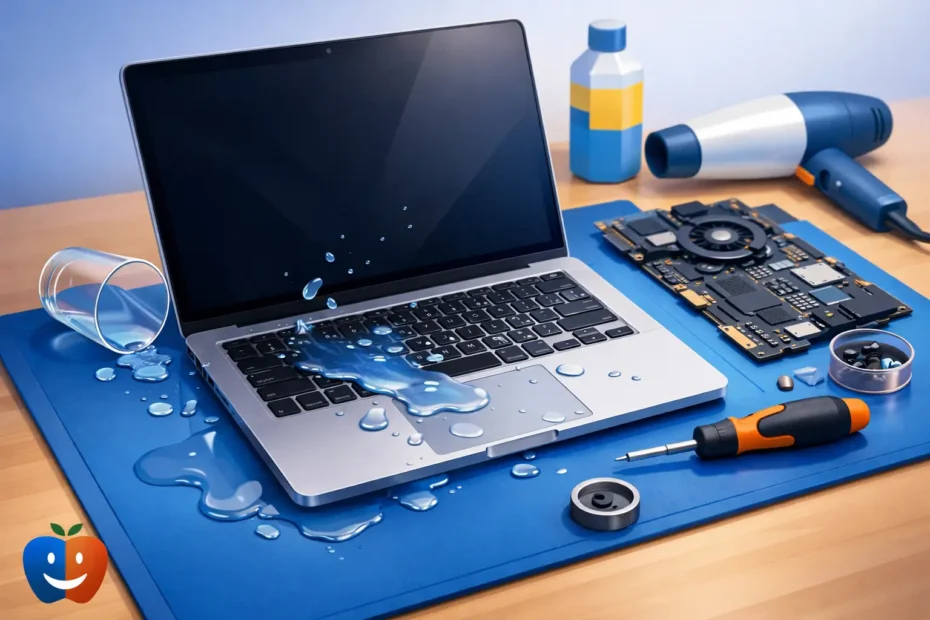
Coffee on the keyboard at 8:10. Black screen by 8:17. That is usually how MacBook liquid damage repair starts – not as a planned service, but as a bad few minutes with real consequences for your work, school, or business.
The biggest mistake people make after a spill is assuming the Mac is either completely fine or completely dead. Liquid damage rarely works that cleanly. A MacBook might keep running for hours, then fail later when corrosion spreads across the logic board, power circuits, keyboard matrix, or backlight lines. That delay is exactly why fast, proper handling matters.
What liquid actually does inside a MacBook
A spill is not just moisture. It is contamination. Water can cause shorts, but coffee, soda, juice, wine, and sports drinks are usually worse because they leave behind residue that keeps damaging the board after the liquid dries.
Inside a MacBook, that contamination can bridge tiny components, burn power rails, corrode connectors, and eat away at solder joints. On newer models, the tolerances are tight and the boards are dense. It does not take much liquid to create a serious fault.
This is also why the old advice to “let it dry for a few days” often fails. Dry does not mean clean. A board can look dry and still have conductive residue causing unstable charging, random shutdowns, missing keyboard keys, no backlight, fan issues, battery errors, or no power at all.
First steps after a spill
If liquid just hit your MacBook, the priority is simple: stop power from moving through affected circuits. Turn it off immediately. If it is connected to power, unplug it. Do not keep testing it, and do not plug in the charger later just to see if it still works.
If the machine stays on, more current can move through wet or contaminated areas and turn a repairable spill into a burned board. That is the difference between cleaning corrosion early and replacing damaged components later.
Tilt the MacBook to help liquid drain away from the keyboard and ports. Do not use a hair dryer, do not shake it aggressively, and do not put it in rice. Rice does not remove residue, and forced heat can push contamination deeper or warp parts.
The next step is inspection and internal cleaning by someone who actually works at board level. That matters because many liquid damaged Macs need more than surface drying. They need disassembly, ultrasonic cleaning where appropriate, corrosion treatment, connector inspection, and electrical testing to confirm which circuits survived and which did not.
Why some MacBooks survive and others do not
Spill outcome depends on a few things. The type of liquid matters. Clean water is one thing. Sugary or acidic liquids are much more aggressive. The amount matters too, but location matters even more.
A few drops near the trackpad may be less serious than a smaller spill that runs straight through the keyboard onto critical board areas. Whether the machine was powered on during the spill also changes the odds. A powered machine is more likely to suffer shorted components right away.
Timing matters just as much. A MacBook brought in quickly may only need cleaning and a few targeted repairs. A MacBook left sitting for a week after someone “let it dry” often arrives with heavier corrosion, damaged pads, failed chips, or multiple symptoms that are more expensive to resolve.
What proper MacBook liquid damage repair looks like
Good repair starts with diagnosis, not guessing. A technician should open the MacBook, inspect all affected areas, and test the board rather than jumping straight to a full replacement. On many Apple devices, a board-level repair can make far more sense than replacing major assemblies.
That process often includes cleaning contamination from the logic board and connected parts, checking for short circuits, testing power rails, inspecting keyboard and trackpad lines, verifying charging behavior, and confirming whether the SSD or onboard storage is still accessible. If corrosion damaged specific components, those parts may need micro-soldering repair or replacement.
Sometimes the board is recoverable and the keyboard is not. Sometimes the machine powers on but has no image because the backlight circuit was hit. Sometimes charging works but the battery communication circuit does not. Liquid damage is rarely a one-symptom problem, which is why experience matters.
A shop that only swaps parts may call the device unrepairable if Apple does not offer a practical module replacement. A specialist who handles component-level repair can often isolate the exact failed circuit and repair only what is necessary.
Data recovery changes the conversation
For many owners, the real emergency is not the hardware. It is the files. Photos, business records, client work, school projects, music sessions, and years of personal data often matter more than the MacBook itself.
That is why liquid damage repair should never be approached as just a hardware issue. A careful technician will consider data preservation from the start. Repeated power-on attempts by the owner or an inexperienced shop can make data recovery harder if the board keeps shorting.
If the MacBook does not power on, board repair may be the path that restores access to the internal storage. On some models, especially newer ones, storage is integrated and not simply removable. In those cases, repairing the original logic board may be the only realistic path to the data.
Repair vs replacement
Not every liquid damaged MacBook should be repaired, and honest service means saying that clearly. If corrosion is widespread, key layers of the board are compromised, or repair cost is too close to the value of the machine, replacement may be the smarter move.
But many people are pushed toward replacement too quickly. Apple and larger repair chains often do not perform board-level liquid damage work. Their process is built around assembly replacement. That can make the quote very high, or the outcome a flat no.
A repair-first approach looks at what can actually be saved. If the screen, housing, trackpad, and battery are still good, and the board issue is localized, repair can be the better financial decision. It also avoids replacing an otherwise solid Mac because one damaged area was never properly evaluated.
How long does liquid damage repair take?
It depends on the extent of the spill and the symptoms. A machine that needs cleaning, diagnosis, and a straightforward component repair may be turned around quickly. A board with multiple damaged circuits, intermittent faults, or heavy corrosion takes longer because proper testing cannot be rushed.
The important thing is transparency. You should know whether the shop has confirmed corrosion, whether the board is drawing power correctly, whether storage is readable, and whether the repair is being approached as cleanup, board repair, or data recovery. Clear communication matters as much as technical skill when your Mac holds critical work.
Choosing the right shop for MacBook liquid damage repair
This is one of those jobs where specialization matters. Ask whether the shop does actual logic board repair in-house. Ask whether they handle micro-soldering. Ask whether the person diagnosing the machine is the same person repairing it. Ask what happens if the goal shifts from restoring full function to recovering data.
You want a real answer, not a scripted intake process. Liquid damage cases can be unpredictable, and you need someone who can explain trade-offs clearly. That is especially true if your MacBook is newer, powers on intermittently, or contains data you cannot replace.
For Mac owners in Central Florida, that direct technician access is often the difference between a generic quote and a useful diagnosis. At YourMac.Repair, customers work directly with Eduardo, a specialist with more than 30 years of Apple experience, which is exactly the kind of hands-on expertise these cases demand.
The cost question people really mean to ask
Most people ask, “How much will it cost?” What they often mean is, “Is this worth saving?”
That answer depends on the model, the severity of the spill, the value of the data, and whether the damage is limited to a few repairable board areas or spread across multiple assemblies. A fair repair shop will not promise a miracle before opening the machine. It should inspect first, explain what failed, and give you a realistic path forward.
That might be a full functional repair. It might be a limited repair to recover data. It might be honest advice not to invest further. The right outcome is the one based on evidence, not assumptions.
A spilled MacBook does not always need to be written off. But it does need the right next step, and the sooner that happens, the better your chances of saving both the machine and what is on it.
Need Mac or iPhone repair in Winter Garden / Orlando?
YourMac.Repair — board-level Apple repair with honest diagnosis and fast turnaround. We say YES when Apple says NO.
- Mac Logic Board Repair — liquid damage specialist
- Mac Screen Repair
- Mac Battery Replacement
- Mac & PC Data Recovery
- iPhone Screen Repair — same-day service
📞 (407) 580-9965 · WhatsApp · 819 Marsh Reed Dr, Winter Garden, FL 34787