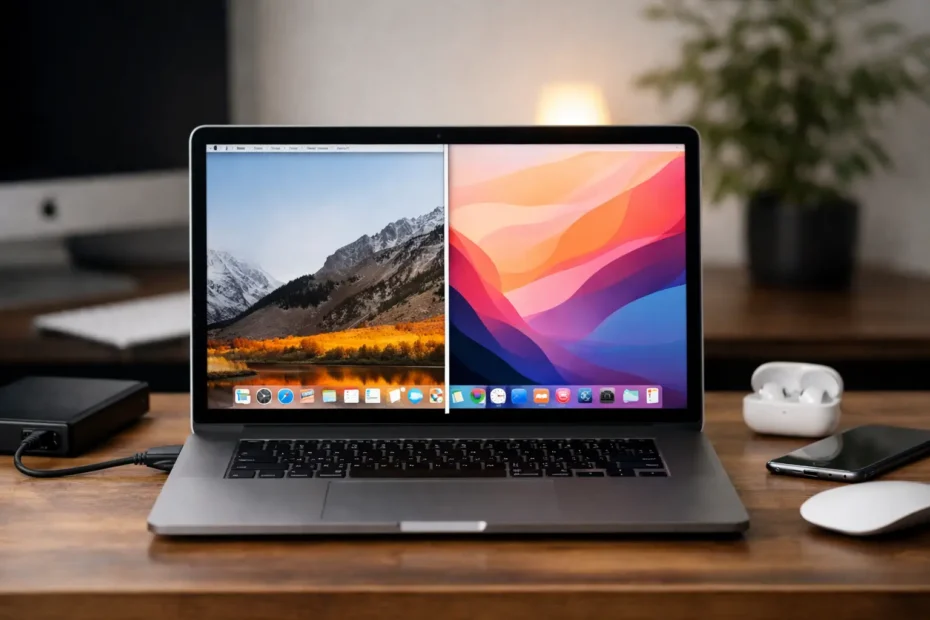
Your 2012 or 2013 Mac still runs fine, but the apps you need are starting to complain. Safari feels dated, some software wants a newer system, and Apple has already moved on. That is usually the moment people start asking about an unsupported macOS upgrade – not because they want to experiment, but because they want to keep a good Mac useful.
This is where a lot of bad advice starts. Some people make it sound easy, almost routine. Others treat it like a guaranteed disaster. The truth sits in the middle. An unsupported upgrade can extend the life of a Mac and make it more useful, but only when the hardware, storage health, and real-world workload all support that decision.
What an unsupported macOS upgrade actually means
An unsupported macOS upgrade is the process of installing a newer version of macOS on a Mac that Apple no longer officially includes on its compatibility list. The machine may be fully functional, but Apple has decided that model will not receive that version through the normal update path.
That does not always mean the Mac is too weak to run the system. Sometimes the hardware is still capable enough for basic and even moderate use. In other cases, key features like graphics acceleration, Wi-Fi behavior, AirDrop, sleep, or camera support can become inconsistent depending on the model and the method used.
That distinction matters. “Can it boot?” is not the same question as “Will it be stable enough for daily work?”
Why people pursue unsupported macOS upgrades
Most customers are not doing this for fun. They are trying to solve a real problem. A newer browser may support current websites better. Office apps, Adobe tools, music software, school platforms, and business apps often stop supporting older macOS versions before the hardware itself is ready to retire.
Security is another factor. Running a much older operating system can become harder to justify, especially if the Mac handles business email, client files, tax records, or family data. Even when an older machine still feels physically solid, outdated software support can become the weak point.
Then there is cost. Replacing a Mac just because Apple ended official OS support is not always the smartest move. If the screen is good, the battery is serviceable, the keyboard works, and the logic board is healthy, extending that machine can be far more practical than buying another device.
When an unsupported macOS upgrade makes sense
The best candidates are usually older Macs with decent hardware headroom. A machine with an SSD, healthy storage, adequate RAM, and no unresolved hardware faults stands a much better chance of handling a newer system well.
For example, an older MacBook Pro or iMac that already feels responsive on its current system may benefit from an upgrade if the owner mainly uses web apps, email, Office, light creative software, and standard productivity tools. In that situation, the upgrade can improve software compatibility without making the machine feel drastically worse.
It also makes sense when the alternative is replacement for software reasons alone. If the Mac is otherwise reliable, extending its useful life by another year or two can be a very reasonable move.
When an unsupported macOS upgrade is a bad idea
This is where honesty matters. If a Mac already has hardware issues, an unsupported upgrade can turn a manageable situation into a frustrating one. A failing SSD, weak battery, thermal problems, graphics instability, or liquid-damage history should be evaluated before changing the OS.
Older Intel Macs with limited RAM and mechanical hard drives are another concern. Even if the installation succeeds, the machine may feel sluggish enough to annoy the owner every day. On paper it works. In practice, it becomes a poor experience.
There are also workflow-specific cases where caution is the better choice. If you rely on older 32-bit apps, niche audio plugins, legacy printers, or specialized business software, moving forward can break the exact tools that still make that Mac valuable. Newer is not always better if compatibility with your actual work drops.
The real risks of an unsupported macOS upgrade
A lot of articles reduce this to “back up your data and try it.” That is not enough.
The first risk is instability. Some unsupported installs run surprisingly well, while others have glitches that show up later. Sleep may fail. USB behavior may get inconsistent. Bluetooth accessories may randomly disconnect. Graphics performance can degrade. Small issues become big ones when the Mac is used every day.
The second risk is update behavior. A Mac that works after installation may need extra handling for later macOS updates. That is manageable for some users, but not ideal for someone who just wants their computer to behave normally.
The third risk is data safety during the process. Any system modification carries risk, especially on aging hardware. If the storage device is already weak, major OS work can push it over the edge.
The fourth risk is false economy. If a Mac needs a battery, SSD, thermal service, and OS work all at once, the right answer depends on the machine, its condition, and what you need from it. Sometimes extending the life of the Mac is smart. Sometimes the investment is better put toward replacement.
Unsupported macOS upgrade and hardware condition
Before any unsupported macOS upgrade, hardware condition should be treated as part of the decision, not a separate issue. This is especially true on older Macs that have never been cleaned internally, are running hot, or still use worn storage.
A newer OS can ask more from the system. That means marginal hardware problems become easier to notice. A Mac that barely manages heat under its current setup may throttle more aggressively after the upgrade. A battery that is already weak may create performance complaints the user mistakes for software problems. An SSD with developing errors can make the upgrade look unstable when the real problem is storage failure.
This is why direct diagnosis matters. Before changing the operating system, it helps to know whether the Mac is actually healthy enough to benefit from it.
What to expect after the upgrade
A successful unsupported macOS upgrade should improve software access and extend usability, but expectations need to stay realistic. You are not turning an older Intel Mac into a new machine. You are trying to preserve useful service life.
Some Macs feel noticeably better after the right combination of SSD, cleanup, and OS update. Others only gain app compatibility while giving up a little speed. That trade-off may still be acceptable if the user needs current software more than peak performance.
For many people, the goal is simple: stable email, modern browsing, cloud apps, office work, school platforms, and basic media tasks on a machine they already own. If that is the target, success does not require perfection. It requires reliability.
Who should handle an unsupported macOS upgrade
If you are comfortable troubleshooting boot issues, patching, post-install adjustments, and possible driver quirks, you may be able to handle it yourself. But many Mac owners are not looking for a project. They want a working result.
That is where specialist support makes the difference. An unsupported upgrade is not just an installation task. It is a judgment call about model compatibility, hardware condition, storage health, thermal behavior, and whether the upgrade will actually help the owner. A good technician should be willing to say no when the upgrade is likely to create more problems than it solves.
At YourMac.Repair, that kind of call is part of the job. Older Macs often come in with overlapping issues – battery wear, overheating, failed SSDs, liquid exposure history, or software complaints that are really hardware warnings. Looking at the full picture is what keeps a repair-first solution from becoming an expensive mistake.
So, is an unsupported macOS upgrade worth it?
Sometimes absolutely. If the Mac is in solid condition and the main goal is staying compatible with modern apps, an unsupported macOS upgrade can be one of the best ways to extend value from older Apple hardware.
Sometimes no. If the machine is already unstable, underpowered for your workload, or tied to older software that will break on a newer system, forcing the upgrade may shorten its useful life instead of extending it.
The smart approach is not to chase the newest possible macOS just because it can be installed. The smart approach is to choose the version that gives you the best balance of compatibility, stability, and hardware reality. Older Macs can still do a lot of good work when the decision is made carefully, and that usually starts with an honest look at the machine in front of you.
Need Mac or iPhone repair in Winter Garden / Orlando?
YourMac.Repair — board-level Apple repair with honest diagnosis and fast turnaround. We say YES when Apple says NO.
- Mac Logic Board Repair — liquid damage specialist
- Mac Screen Repair
- Mac Battery Replacement
- Mac & PC Data Recovery
- iPhone Screen Repair — same-day service
📞 (407) 580-9965 · WhatsApp · 819 Marsh Reed Dr, Winter Garden, FL 34787