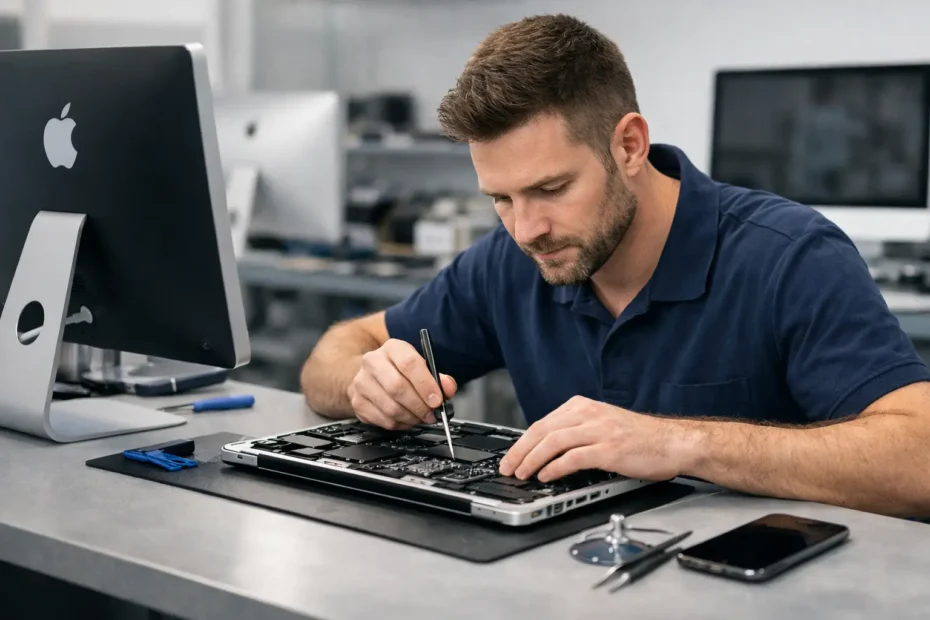
A Mac that will not turn on, shows a black screen, or has just taken a spill creates a different kind of urgency. Your work, photos, client files, and passwords may all be on that machine. The right apple computer repair specialist does more than swap parts. They determine what failed, protect your data, and explain whether repair is genuinely worth the cost.
That distinction matters because many Mac problems are misdiagnosed as expensive, all-or-nothing failures. A device labeled “liquid damaged” or “logic board failure” may still be repairable at the component level. On the other hand, a cheap-looking repair can become costly if the technician skips proper testing, damages the display during disassembly, or replaces parts without finding the original cause.
What an Apple computer repair specialist should diagnose
Apple computers are built differently from many PCs, and the difference is more than macOS. Modern MacBooks combine tightly integrated power circuits, storage, display systems, sensors, and security features. A symptom such as “no power” can come from a charging port, battery, keyboard power circuit, trackpad connection, corroded component, shorted capacitor, display backlight circuit, or a problem on the logic board.
A real diagnosis starts with evidence. The technician should inspect the Mac, test power behavior, check charging response, evaluate the display and external-video output when appropriate, and look for signs of liquid exposure or previous repair work. The goal is not to guess which large assembly to replace. It is to identify the failed circuit or component and verify that the repair resolves the actual issue.
This is especially relevant after a spill. Liquid damage does not always cause an immediate shutdown. A Mac may continue working for days, then develop random restarts, charging trouble, dead keys, distorted video, or complete failure as corrosion spreads. Turning it on repeatedly or charging it while moisture remains can make the damage worse. Fast professional assessment gives the device its best chance.
Repair-first service versus replacement-first service
Some service channels are designed around whole-module replacement. That approach can be appropriate when a display assembly is cracked, a swollen battery needs removal, or a repair would exceed the Mac’s practical value. It is also faster for a provider that does not offer board-level work.
But it is not the only option. A logic board that has a single failed power rail or damaged backlight circuit may not need to be replaced. Component-level repair uses detailed diagnostics and micro-soldering techniques to address the specific failed area. For a Mac with valuable data or a high replacement cost, that can make a major difference.
The trade-off is that advanced repair requires skill, proper equipment, and time for testing. No honest specialist should promise that every water-damaged board can be saved before examining it. Severe corrosion, damaged internal layers, or a prior failed repair attempt can limit the options. What you should expect is a transparent explanation of the findings, the risk, the repair cost, and the alternatives.
Questions worth asking before you leave your Mac
You do not need to know circuit diagrams to choose a good repair shop. A few direct questions reveal a great deal about how the work will be handled.
Ask whether the technician performs logic board diagnostics and component-level repair or only replaces complete assemblies. Ask how liquid damage is evaluated, whether your data is considered during the diagnostic process, and whether the quoted price includes the repair that addresses the root cause. If the answer is vague, or if the only recommendation is immediate replacement without testing, consider getting a second opinion.
It also helps to ask who will actually work on your computer. Direct access to the technician reduces missed details and gives you a chance to describe exactly what happened: whether the Mac was dropped, which liquid was spilled, what charger was used, when the symptom started, and whether it has been repaired before. Those details can save time and prevent an incorrect diagnosis.
A clear estimate matters, but price alone should not decide the repair. A low quote that does not include testing, quality parts, or post-repair verification is not necessarily a lower total cost. The better question is whether the proposed repair gives you a reliable result at a fair price.
Common Mac repairs that deserve careful handling
Screen, battery, and keyboard repairs may appear straightforward, yet each requires model-specific knowledge. A screen replacement should be checked for brightness control, camera operation, True Tone support when applicable, hinges, and proper fit. A battery repair should address swelling safely and verify charging behavior, battery health reporting, and trackpad function.
Keyboard issues need extra attention because they can be caused by more than failed keys. Liquid can affect the keyboard, trackpad, cable connections, or the logic board beneath them. Replacing a keyboard without confirming the source of the issue can leave the customer with the same problem and a larger bill.
Internal cleaning and fresh thermal compound are also valuable services when they are performed for a reason. Dust buildup, dried thermal compound, and blocked airflow can contribute to heat, loud fans, and performance throttling on older Macs. They are maintenance tasks, not magic fixes. If a Mac shuts down under load, the technician should still rule out battery, sensor, fan, and board-level faults.
Data recovery is not a side issue
For many people, the Mac itself is replaceable. The files are not. That is why data recovery should be part of the conversation from the beginning, particularly when a Mac will not start or has liquid damage.
Avoid erasing, restoring, or repeatedly attempting to boot a failed Mac before the data situation is understood. Those actions can complicate recovery. Newer Apple silicon Macs and many later Intel models use integrated or encrypted storage, which means a simple drive removal is often not possible. In certain cases, recovering data depends on repairing the original logic board enough to allow the Mac to start and decrypt its storage.
A specialist should explain this clearly rather than making unrealistic promises. The best outcome may be full recovery and repair. Sometimes the practical goal is stabilizing the Mac long enough to safely retrieve critical files. Either way, the priority should be protecting your information before making irreversible changes.
Extending the useful life of an older Mac
Not every Mac needs replacement simply because Apple no longer offers the newest macOS version for it. With enough memory, healthy storage, and appropriate hardware, many older models remain useful for school, home, office work, music, design, and remote access.
An SSD upgrade can transform an older Mac that feels slow because of a failing or mechanical drive. A clean macOS installation, data migration, internal maintenance, or an unsupported macOS upgrade may extend its working life further. Compatibility must be evaluated carefully. Some software, security features, and peripherals may not behave exactly as they do on a current model, so the right path depends on how you use the computer.
For a business owner or remote worker, reliability may justify moving to a newer Mac while recovering and transferring data from the old one. For a student with a sound 2015 MacBook Pro, a battery replacement and storage upgrade may be the sensible answer. Repair decisions should fit the machine’s condition, its role in your life, and your budget.
The value of direct, accountable service
When your Mac holds important work, you deserve more than a ticket number and a generic status update. You should know what was found, what can be repaired, and why a particular option is recommended. At YourMac.Repair, customers speak directly with Eduardo, a specialist with more than 30 years of Apple experience, rather than being passed through a front desk pipeline.
That personal accountability is useful for complex cases, from no-power MacBooks to liquid-damaged logic boards and unsupported macOS upgrades. It keeps the focus on a repair-first solution when one makes sense, while being candid when replacement is the better financial decision.
Before you replace a Mac that has been declared dead, ask for a diagnosis that goes beyond the obvious symptom. A careful repair assessment can preserve the computer you know, recover the files you need, and give you a clear answer based on the condition of your actual device.
Need Mac or iPhone repair in Winter Garden / Orlando?
YourMac.Repair — board-level Apple repair with honest diagnosis and fast turnaround. We say YES when Apple says NO.
- Mac Logic Board Repair — liquid damage specialist
- Mac Screen Repair
- Mac Battery Replacement
- Mac & PC Data Recovery
- iPhone Screen Repair — same-day service
📞 (407) 580-9965 · WhatsApp · 819 Marsh Reed Dr, Winter Garden, FL 34787