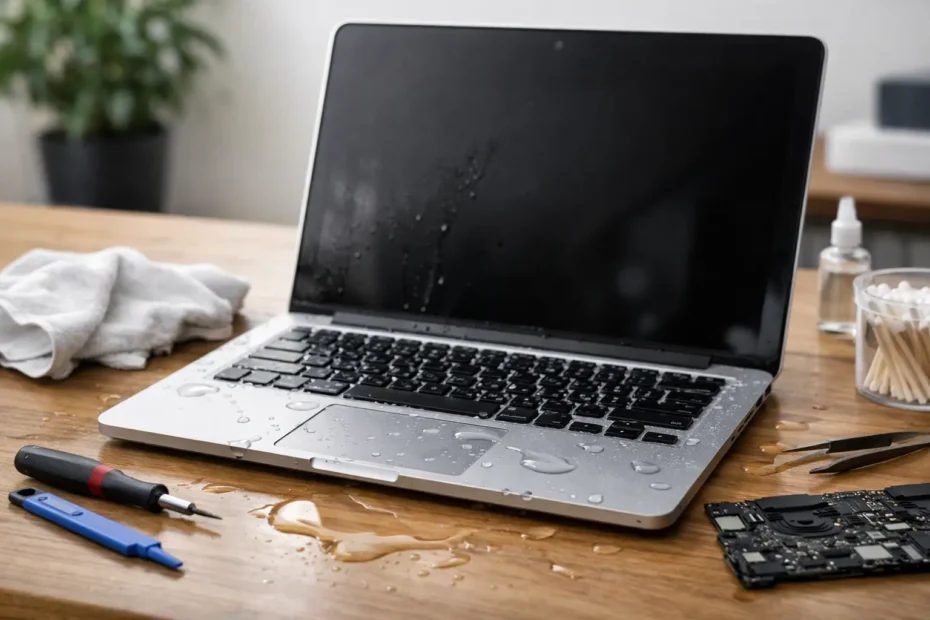
A spilled coffee can turn a normal workday into a race against corrosion in about five seconds. The best fixes for MacBook water damage are not gimmicks, rice bags, or wishful thinking. They start with the right first moves, followed by a real inspection of the logic board, keyboard, battery, and storage before hidden damage spreads.
Best fixes for MacBook water damage start in the first minute
What you do immediately after a spill matters more than most people realize. If the MacBook is still on, shut it down right away. If it will not respond, hold the power button until it turns off. Unplug the charger, disconnect accessories, and move the machine away from any remaining liquid.
After that, gently blot visible moisture with a clean, lint-free cloth. Keep the cleanup external. Do not press keys repeatedly to test them, and do not keep opening apps to see whether the screen still works. Every extra second with power running through a wet board increases the chance of shorting and component failure.
Position also matters. A slight tent shape or keyboard-down angle can help liquid drain instead of pooling deeper inside. That said, the goal is not home repair. The goal is damage control until the MacBook can be opened and evaluated properly.
What not to do after a spill
A lot of bad advice sounds harmless because it feels proactive. It is not. Do not plug the MacBook in to see if it charges. Do not use a hair dryer or heat gun. Do not shake it aggressively. And do not assume that if it turns back on, everything is fine.
Rice is the most common myth. It does not remove residue from coffee, soda, tea, juice, or tap water minerals, and it does nothing for contamination under chips, connectors, and shields. Liquid damage is not just about moisture. It is also about what gets left behind after the liquid evaporates.
That residue starts corroding contacts and can bridge circuits long after the original spill. This is why some MacBooks seem okay for a day or two, then stop charging, lose keyboard function, show no backlight, or fail completely.
Why professional cleaning is one of the best fixes for MacBook water damage
Opening the MacBook and cleaning it correctly is where real recovery often begins. On modern MacBooks, liquid can travel in ways that are not obvious from the outside. A small spill near the keyboard can reach the battery connector, trackpad line, display circuits, or power rails on the logic board.
Professional liquid damage treatment usually includes disassembly, inspection under magnification, removal of residue, and testing of affected areas. In many cases, the board needs ultrasonic cleaning or targeted component-level work rather than a simple wipe-down. This matters because corrosion often starts microscopically before it becomes visible failure.
The best result usually comes from fast action. A MacBook that reaches a specialist quickly has a better chance of repair than one left sitting for several days while corrosion keeps working. Time does not heal liquid damage. It usually makes it more expensive.
The repair depends on what the liquid actually damaged
There is no single fix for every spill. Water, coffee, soda, wine, and cleaning solution all behave differently, and so do different MacBook models. A machine that powers on but has a dead keyboard needs a different repair path than one with no power at all.
If the spill mostly affected the top case, the repair may center on the keyboard, trackpad, or battery area. If liquid reached the logic board, the problem can be deeper. Shorted capacitors, damaged backlight circuits, failed charging lines, and corrosion around power management components are all common after spills.
This is where board-level diagnostics matter. Some shops jump straight to expensive full-board replacement or tell customers the machine is beyond repair. But component-level repair can often save the original board and, more importantly, the data attached to it. That approach is especially valuable when the Mac contains business files, photos, creative projects, or client work that is not fully backed up.
Best fixes for MacBook water damage when the Mac still works
If your MacBook still boots after the spill, that is good news, but it is not a clean bill of health. Intermittent issues are common. You might see sticky or repeating keys, fans running hard, battery warnings, random shutdowns, trackpad glitches, or charging that works only at certain angles.
In these cases, the best fix is still inspection and internal cleaning, not waiting to see what happens. A working MacBook with liquid residue inside is often in a temporary window between spill and failure. Catching corrosion early can prevent a much larger repair later.
It also gives you a chance to protect your data. If the machine still turns on, back up what matters as soon as possible, then stop using it until it is checked. Continued daily use can make a repairable board become a data-recovery case.
When water damage turns into a no-power MacBook
No power is one of the most stressful outcomes after a spill, but it does not automatically mean the MacBook is done. It means proper diagnostics matter even more. The charging port, USB-C circuitry, battery communication, power rails, and logic board all need to be tested in a methodical way.
A skilled technician looks for the point where power flow stops. Sometimes the damage is limited to a small cluster of components. Sometimes corrosion has spread across multiple areas and the repair becomes more involved. Either way, replacing the entire machine should be the last conclusion, not the first.
For Mac owners in Central Florida dealing with this kind of failure, direct access to a specialist matters. Shops that handle board-level work every day can often identify whether the issue is localized, whether data is still recoverable, and whether repair is financially sensible before you spend money blindly.
Data recovery is often part of the real fix
For many people, the most valuable part of the MacBook is not the hardware. It is the data. That changes how a good repair strategy should be handled.
If the MacBook has liquid damage and important files are at risk, the goal may be temporary stabilization first, full restoration second. In other words, a technician may focus on getting the board functional enough to access the SSD and secure the data before deciding whether the rest of the machine should be fully repaired. That is not cutting corners. It is prioritizing what matters most.
This is also why random power-on attempts at home are risky. Every failed startup can worsen board damage and reduce recovery options.
Repair or replace? It depends on the model and the damage
Not every liquid-damaged MacBook should be repaired. Honest diagnostics matter here. If corrosion is severe, multiple subsystems are affected, and the cost approaches the value of the machine, replacement can be the better call. But many cases are far more repairable than customers are initially told.
Newer MacBook Pro and MacBook Air models are often worth serious evaluation because replacement cost is high and data access can be complicated. Older models can also make sense to repair when the damage is contained and the machine still fits the user’s needs. The right answer depends on model, age, condition, and what is on the computer.
A trustworthy shop will explain those trade-offs clearly. That includes what can be repaired now, what might still fail later, and whether the investment makes sense.
How to choose the right shop for MacBook liquid damage
This is not the repair to hand off to a generic counter. You want a shop that handles Mac logic board repair, not just parts swapping. Ask whether they perform component-level diagnostics, whether they treat corrosion directly, and whether they can discuss data recovery if needed.
It also helps to work with someone who will tell you what they found in plain English. That direct communication is a big part of trust, especially when the issue is urgent and the machine may hold irreplaceable files. At YourMac.Repair, that means customers speak directly with Eduardo, not a middleman reading canned updates off a ticket.
The best repair experience is not just technical. It is transparent. You should know what failed, what the repair involves, what it costs, and what the risks are.
The most helpful thing you can do after a spill is act fast, stop trying to test your luck, and get the MacBook in front of someone who knows how liquid damage really behaves. A careful repair done early can save the machine, the data, and a lot of unnecessary cost.
Need Mac or iPhone repair in Winter Garden / Orlando?
YourMac.Repair — board-level Apple repair with honest diagnosis and fast turnaround. We say YES when Apple says NO.
- Mac Logic Board Repair — liquid damage specialist
- Mac Screen Repair
- Mac Battery Replacement
- Mac & PC Data Recovery
- iPhone Screen Repair — same-day service
📞 (407) 580-9965 · WhatsApp · 819 Marsh Reed Dr, Winter Garden, FL 34787